
Visibility
Showing and hiding parts of a document
Complexity: Basic - Can be configured entirely through the UI.
Introduction
With the visibility binding, you can hide and show text in your recipe based on input data. This might be useful if a specific session such as a complaint form should only be shown under certain circumstances.
Visibility binding overview
Hides or shows the selected part of the document based on the value it is referencing.
When adding a Visibility binding in a recipe through the binding editor, the following dialog is shown:
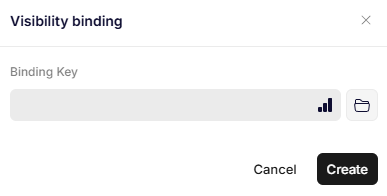
Visibility binding
Parameters
Binding Key
A path to any data type. If the data evaluates to true, the contents inside the binding are displayed. If it evaluates to false, the contents are hidden.
Rules for evaluating data
The following values are validated as false:
- null
- ""
- "false"
- false
- 0 and all negative numbers
{}
All other values are validated as true.
Updated 12 months ago