
Group
Group your nodes in your information tree
Introduction
Use a Group node to choose how your form should be rendered when a user accesses the template.
In the Information Tree, Groups appear as expandable items. You can add other nodes inside them, such as Text, Date or Number.
Use a Group to:
- Control how your form gets rendered for end users.
- Group input data in an object behind the scenes.
Add a group
You can add a group in a section, repeat, element or another group.
To add a group, press the plus (+) icon in your Information Tree at the relevant location:
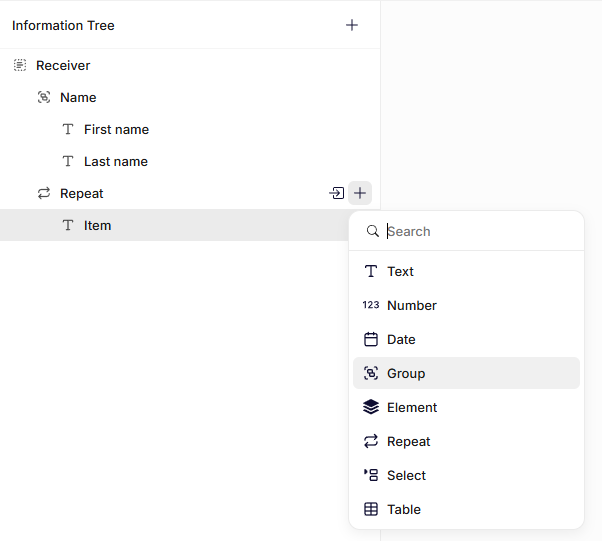
Adding a group to the information tree
General settings
Name
Enter a clear name. This label appears in the information tree and helps you identify the field.
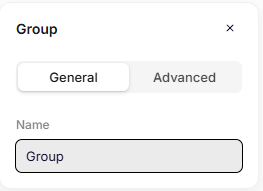
General settings
Advanced settings
Key
The key automatically inherits the Name you enter in the General settings. If needed, you can change it and define a unique key for the node.
The system uses the key to reference this field in the data structure and in templates.
Use a clear and consistent naming pattern. For example: recipient or documentInformation.
Do not use spaces or special characters. Use letters only.
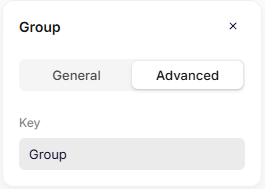
Advanced settings
Updated 6 months ago