
Organization management
Manage your organizations as an operator
Overview
As an operator, you manage the organizations that are tied to you as an operator. Operators define configuration, branding, authentication, and content distribution boundaries.
You use organization management page to:
- Create new organizations
- Modify existing organizations
- Delete organizations
- Control authentication per organization
Organizations sit above units. Units operate within an organization, while organizations define higher level governance and configuration.
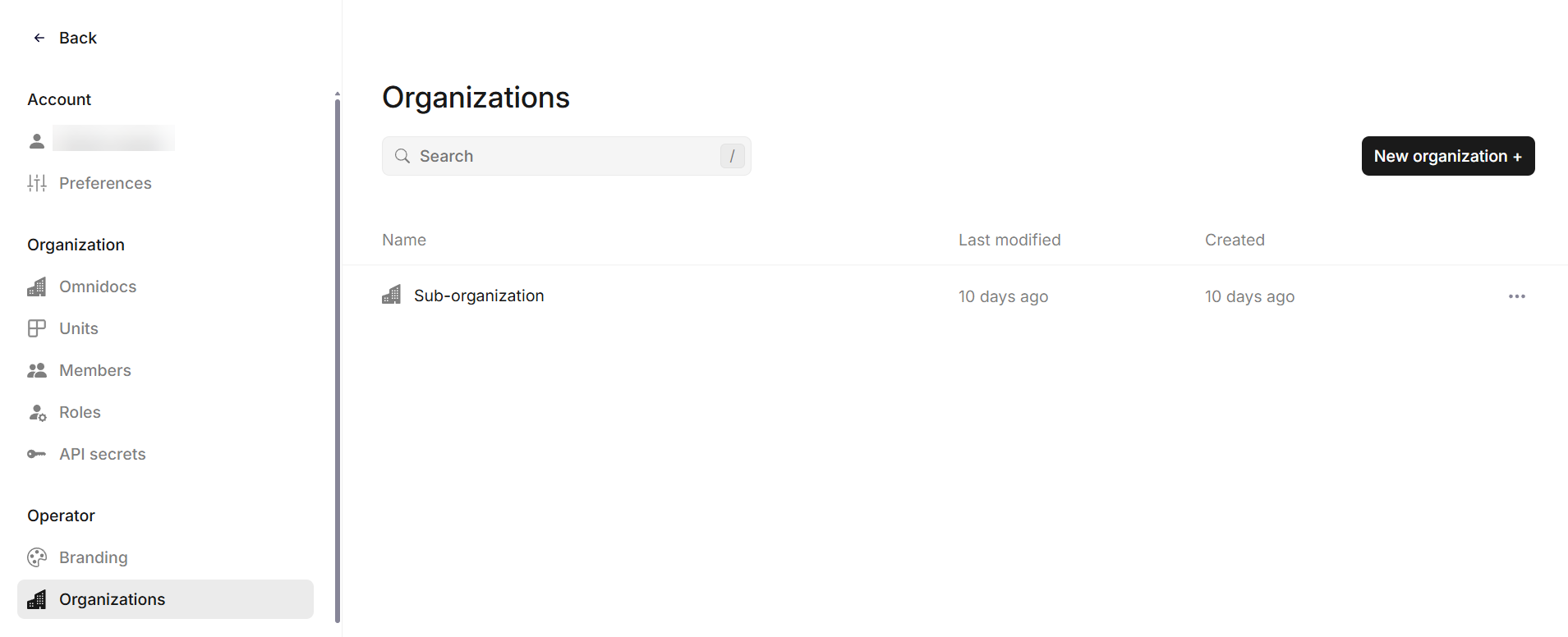
Organizations overview
Create, edit and delete organizations
Create an organization
You create a new organization from the Organizations overview.
- Open Organizations
- Click New organization
- Provide required organization details
See this article for information on authentication setup. - Create
When you create an organization, it immediately becomes available in the hierarchy.
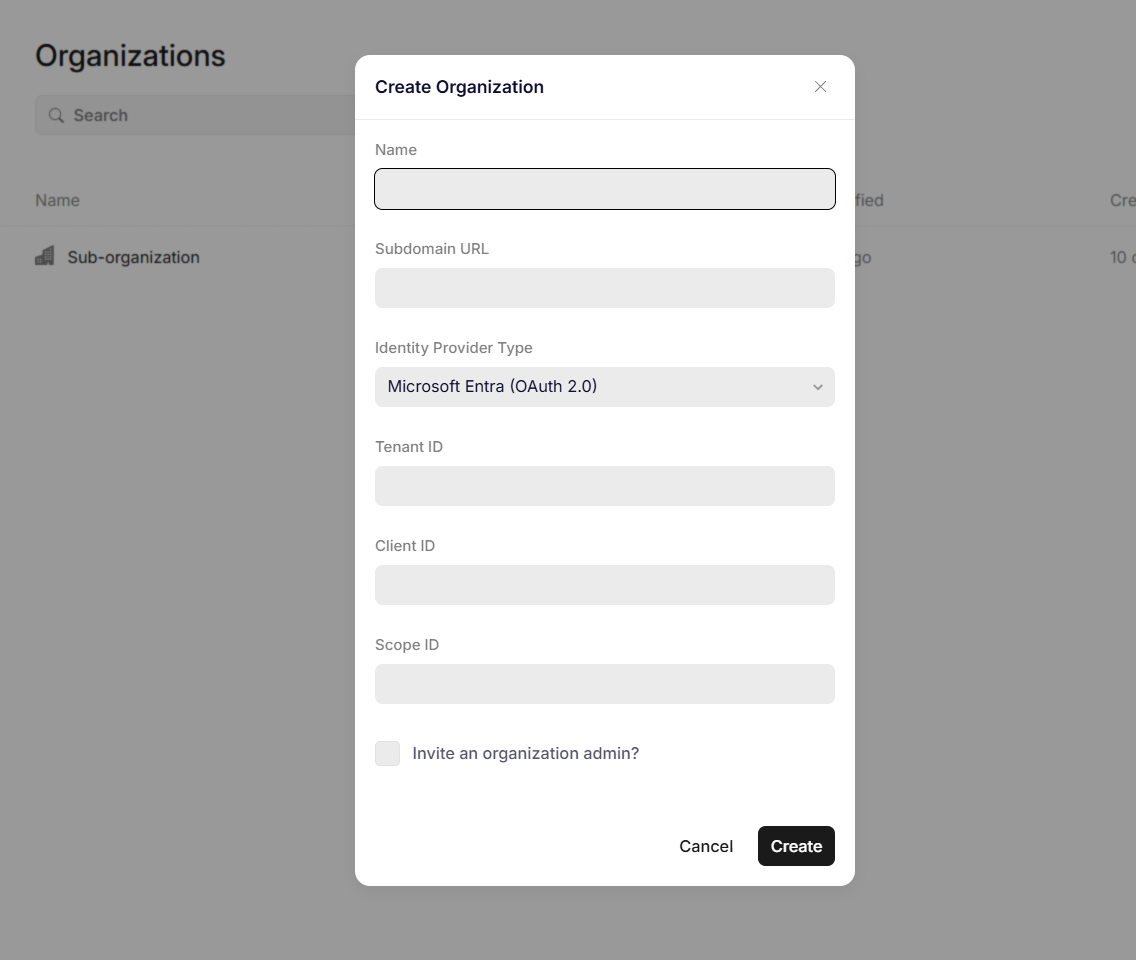
Creating an organization
What happens after creation
After you create an organization:
- It inherits branding from its operator organization
- It can receive published templates and content
- It can have its own units, members, and configuration
You should verify branding and authentication settings before onboarding users.
Edit an organization
You edit an organization to update its configuration or metadata.
- Open Organizations
- Select the organization from the list
- Update fields such as name or configuration
- Save changes
- Changes apply immediately.
Editing considerations
Before editing an organization, consider:
- Whether it has active users
- Whether authentication settings are linked externally
- Whether content is in the process of being published
Delete an organization
You delete an organization when it is no longer required.
- Open Organizations
- Select the organization
- Choose the delete option
- Confirm the action by entering the name of the organization
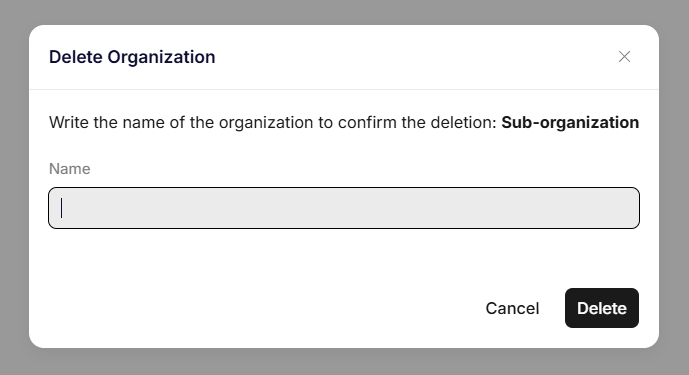
Deleting an organization
Important considerations before deletion
Before deleting an organization, ensure:
- It does not contain active units that must be preserved
- It does not contain important content
- No users depend on it for access
Deletion marks the organization for deletion, making it immediately unavailable. After 7 calendar days, it will be permanently deleted, and this action cannot be undone.
Search and filtering
You can search for organizations using the search field in the overview.
This is useful when managing large lists of organizations.
Updated 6 months ago